
Dallas CCTV Installers installs security cameras in Euless for homeowners, property managers, and businesses. We discuss what you need to see from each camera and how footage should be accessed, especially where a property has shared spaces or several ways to enter.
As a Euless CCTV installer, we work with homeowners, apartment and townhome owners, and businesses near DFW Airport and along SH 183, SH 10 and SH 360.
At an Euless townhouse or home with a shared approach, start with the space you control and the people who regularly arrive at your door. A well-framed entrance view can help identify deliveries without needing a wide view across the whole block. If a driveway or garage is behind the building, plan for that route separately.
Euless homes range from established neighborhoods to newer developments, and many families have busy driveways with several vehicles. As a residential security camera installer in Euless, we make sure the driveway view captures vehicles clearly, the porch view captures faces and packages, and any side gates are covered. We also help families set up phone access and alerts so the right person is notified at the right time.
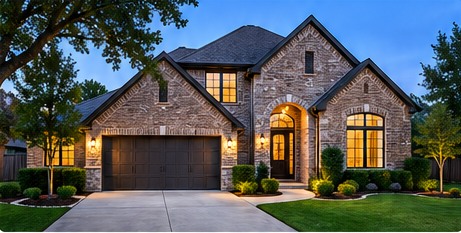
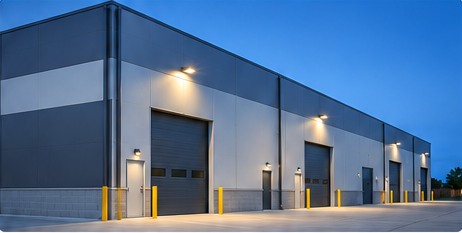
An Euless office or multi-tenant property may have a shared front drive and separate entrances for customers and staff. For a managed property, coordinate with the owner to confirm camera locations and access rights. Then decide which views staff will check and who will respond when someone needs a recording.
With DFW Airport next door, Euless has many hotels, logistics businesses, restaurants and service companies. As a commercial security camera installer in Euless, we plan coverage for lobbies, entrances, parking lots, loading areas and employee doors, and we set user permissions so managers on different shifts can review footage.
Businesses near the airport often operate around the clock. That means cameras need to perform in daylight, at dusk and in the middle of the night, and staff on every shift need to know how to use the system. We set up user accounts by role, so night managers can review recent activity without access to settings they do not need.
Hotels and parking areas are large, open spaces where one camera cannot do it all. We combine wide overview cameras with closer cameras at entrances and pay points, so you can see both what happened and who was involved.
Euless is also a city of many cultures and many multigenerational households. In homes with several adults, it helps to decide who needs alerts and who just needs to check cameras occasionally. We set up separate users, so alerts go to the right people, and we can label cameras clearly in more than one way so every family member can find the view they want.
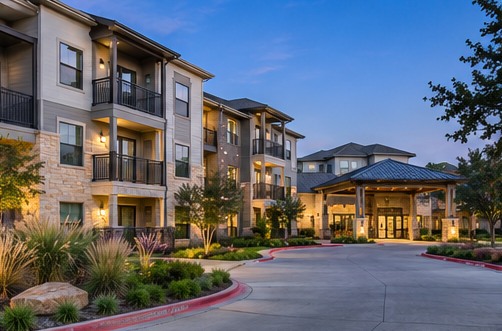
Every Euless property is different, so we recommend equipment after we understand the job. Most systems we install combine a few of the following:
We walk your Euless property, note entrances, driveways, gates and work areas, and discuss what each camera needs to show.
You get a clear plan with camera locations, equipment, recording options and remote viewing, explained in plain language.
We mount weather-rated cameras, hide cable where possible and connect everything to the recorder and network.
We test every view, confirm recording and show you how to watch live video, find clips and share footage.
When you hire a CCTV installer in Euless, you want a system that works on day one and stays easy to use. Here is what you can expect from us.
We also install residential and commercial security cameras in cities near Euless, along with communities across Dallas–Fort Worth.
Yes. We cover lobbies, entrances, hallways, parking and service areas, with access for managers on each shift.
Yes. Compatible systems send motion or person alerts that you can schedule and limit to specific areas.
They can trigger basic motion detection. We use motion zones and smart detection where supported to reduce unwanted alerts.
Yes. We coordinate mounting and access with property managers and building owners.
Possibly, with the appropriate owner or manager approval. Review the mounting surfaces, cable routes, and areas covered before installation.
That depends on permissions and the areas you manage. Clarify scope with the property manager and identify the doorway or approach your business needs to see.
On systems that support individual accounts, managers can have their own credentials and permissions. Confirm which playback and export options are available.
Share your Euless ZIP code, property type, and the areas you’d like to cover. Mention any cameras, recorder, or wiring you already have.